Getting started
Open your Nailed dashboard
Get a one-time sign-in link in WhatsApp or Telegram, or log in with your email. Add the dashboard to your phone's home screen and learn the tabs.
The dashboard is where you look things over: every job, who owes you, profit, settings. You get in with a one-time link. No password to remember.
Get in from the chat
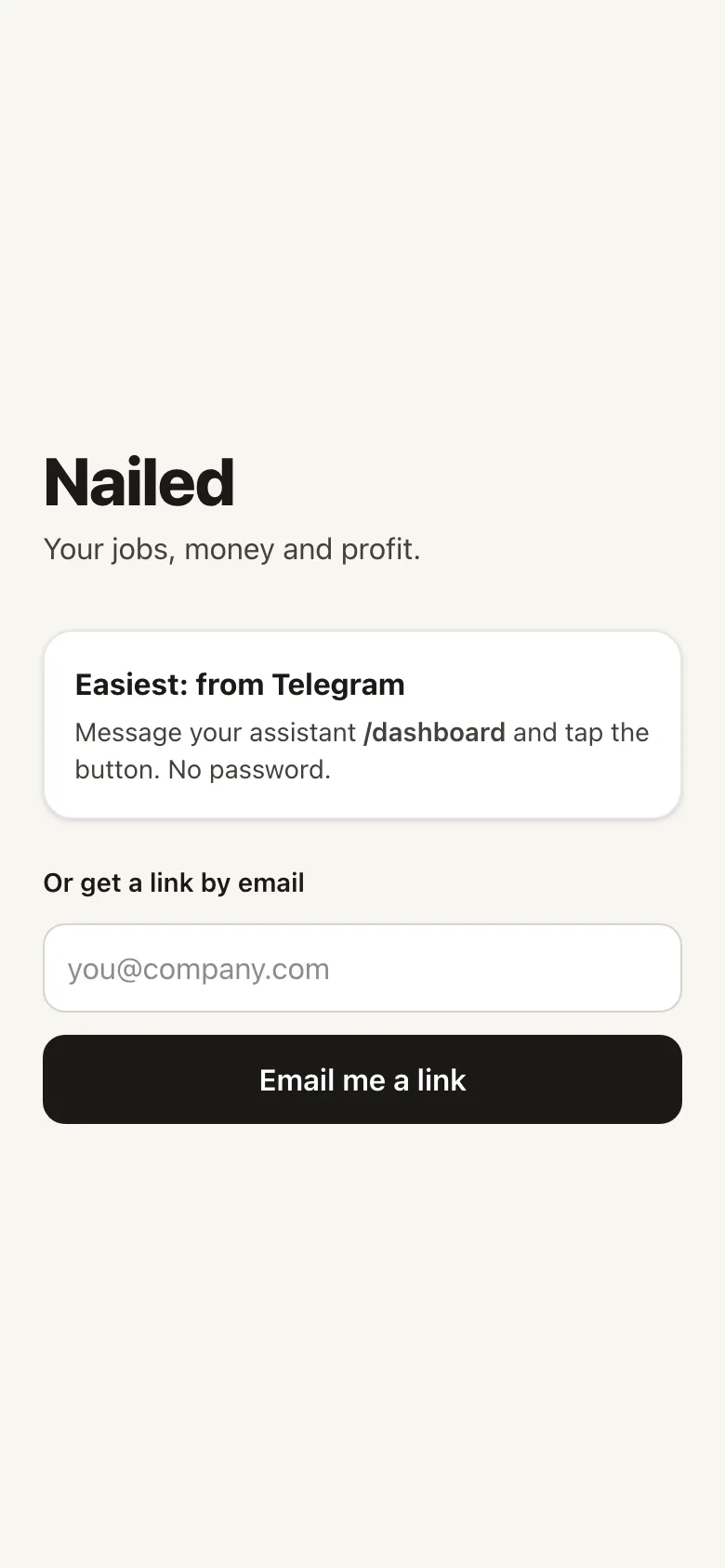
Text dashboard. Nailed replies with a link. It works once and lasts 10 minutes.
Send /dashboard. Nailed replies with an Open dashboard button that works once and expires in about 10 minutes. There is also a Dashboard in Telegram button inside the chat that opens it right there. See use Nailed on Telegram.
Or log in with your email
Go to the login page
Open nailedgc.com/app/login.
Enter your email
Use the email you signed up with, then tap Email me a link.
Open the link
Check your inbox. The link is good for 10 minutes and works once.
Put it on your home screen
The dashboard is a web app, so you can pin it to your phone and open it like any other app.
| Phone | Steps |
|---|---|
| iPhone (Safari) | Tap the Share button, then Add to Home Screen, then Add |
| Android (Chrome) | Tap the menu (three dots), then Add to Home screen |
Menu names can differ a little between phone versions. Sign in from the chat first, then add it.
The tabs
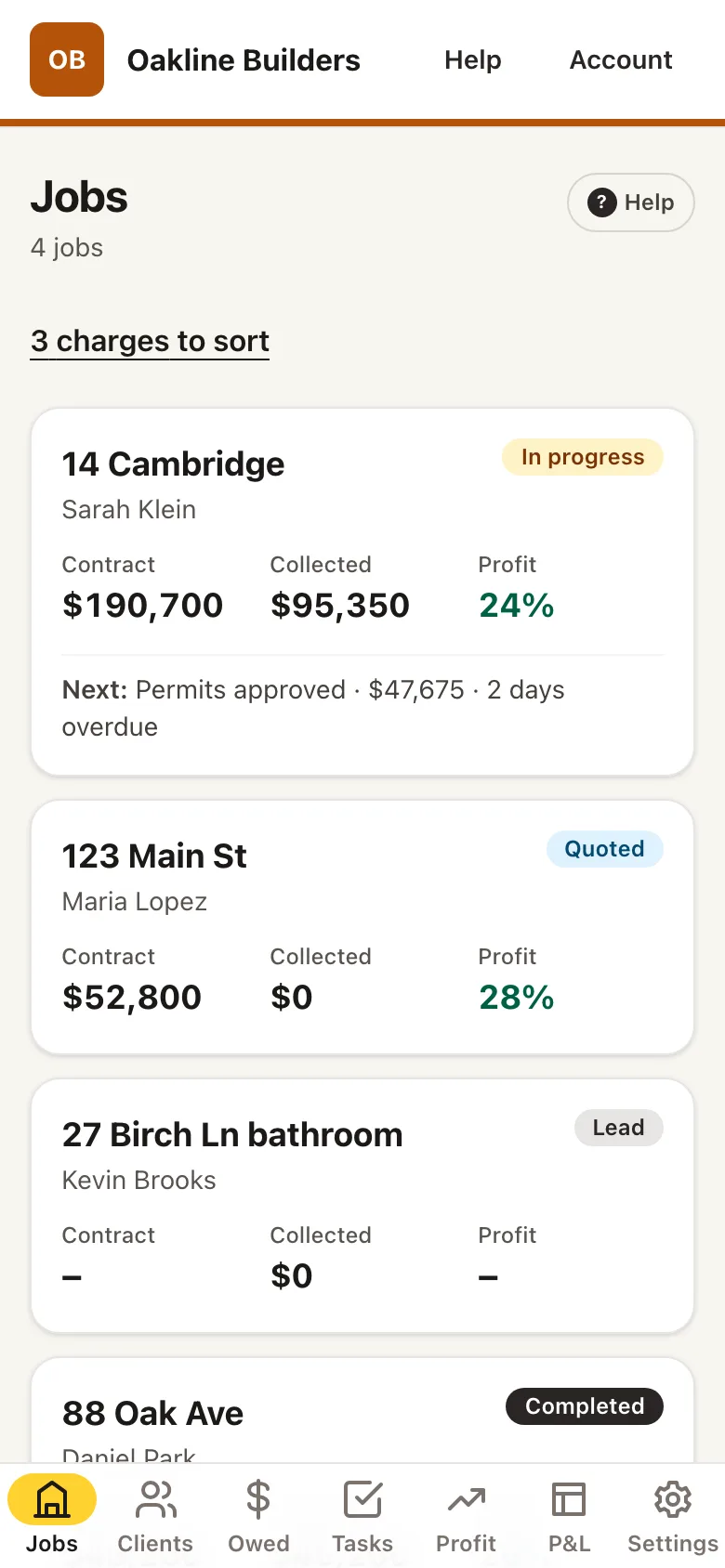
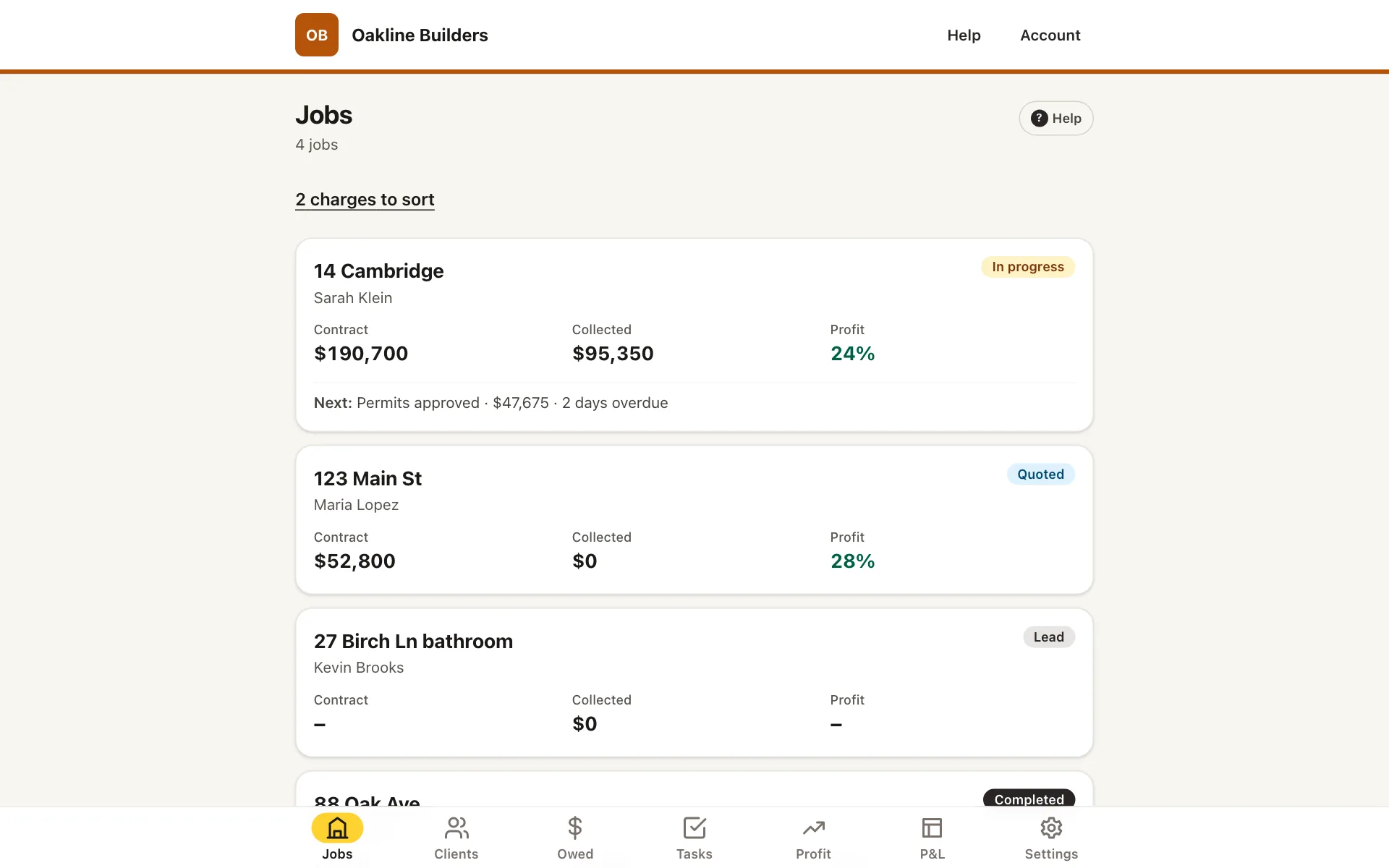
Seven tabs sit along the bottom.
| Tab | What you see |
|---|---|
| Jobs | Every job and its status. Tap one for the quote, payments, expenses and notes |
| Clients | Your clients and their jobs |
| Owed | Who owes you money, what's late and what's coming |
| Tasks | Your open to-dos, with reminder times |
| Profit | What each job is making |
| P&L | The month for the whole business |
| Settings | Payment info, terms, reminders, bank and more |
Account is a link in the header at the top, not a tab. It holds your plan, your contact details and your chat links.
Owner and crew
The owner can change things. Crew can open the dashboard and read everything on it, but they can't edit jobs, record payments, add tasks, or change settings. If a crew member tries, they see "Only the account owner can change this."
Stuck?
A link that says it expired just needs a fresh one. Ask in the chat again. More fixes are in troubleshooting.
Common questions
Is there a password?
No. You sign in with a one-time link, either from the chat or sent to your email. Each link works once.
My link says it expired. What now?
Links last 10 minutes and work once. Text "dashboard" on WhatsApp or send /dashboard on Telegram for a fresh one, or request a new email link at /app/login.
Is there a Nailed app to download?
No store app. The dashboard is a web app you can add to your phone's home screen so it opens like one.
Can my crew see the dashboard?
Crew can look but not change anything. Only the owner can edit jobs, payments, settings and bank connections.
The email link says my email isn't linked to a company.
Use the email you signed up with. If it still fails, open the dashboard from the chat once and it will link your sign-in.
Did this answer your question?